Knurled insert step-height RFQ inputs should identify the controlled seating reference before a supplier is asked to infer a boss fit. Record the active revision, visible step, nearby clearance, sample status, and approval owner.
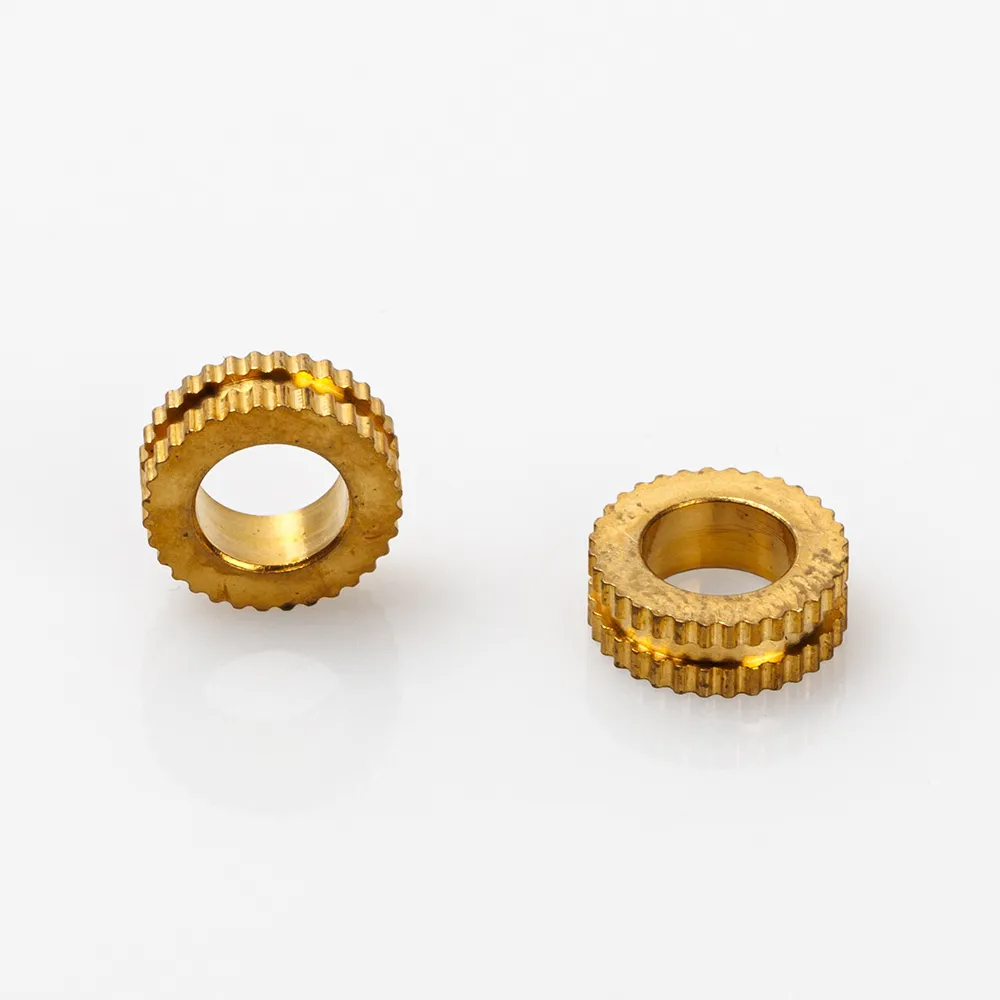
Begin with the current boss drawing and the location that controls the visible step. Identify the revision, seating reference, surrounding cover or wall, and the direction from which the feature is viewed. A generic insert description cannot establish the released interface.
Record the assembly identifier, quantity range, and technical owner. If a removed item is the only evidence, label it as an observation until the owner confirms its relationship to the active revision.
Keep the step reference and nearby-clearance note in separate fields. Send one record to every supplier so each quotation is based on the same visible interface.
| RFQ field | What to send with quote | Review purpose |
|---|---|---|
| Boss drawing | Current view and revision | Names the governing source |
| Step reference | Seating surface and controlled note | Keeps the visible feature explicit |
| Clearance view | Nearby cover, wall, or obstruction | Exposes interface limits |
| Entry direction | Accessible installation side | Prevents hidden assumptions |
| Quantity scope | Quantity breaks and packaging | Aligns commercial replies |
| Acceptance owner | Named deviation reviewer | Separates quote from approval |
This register does not establish a size, material, installation method, retention result, or compatibility claim.
A sample can show a visible shoulder or step, but it cannot recreate the current boss geometry. Label each photo with source, date, view direction, and revision context. Mark informal dimensions as observations rather than released values.
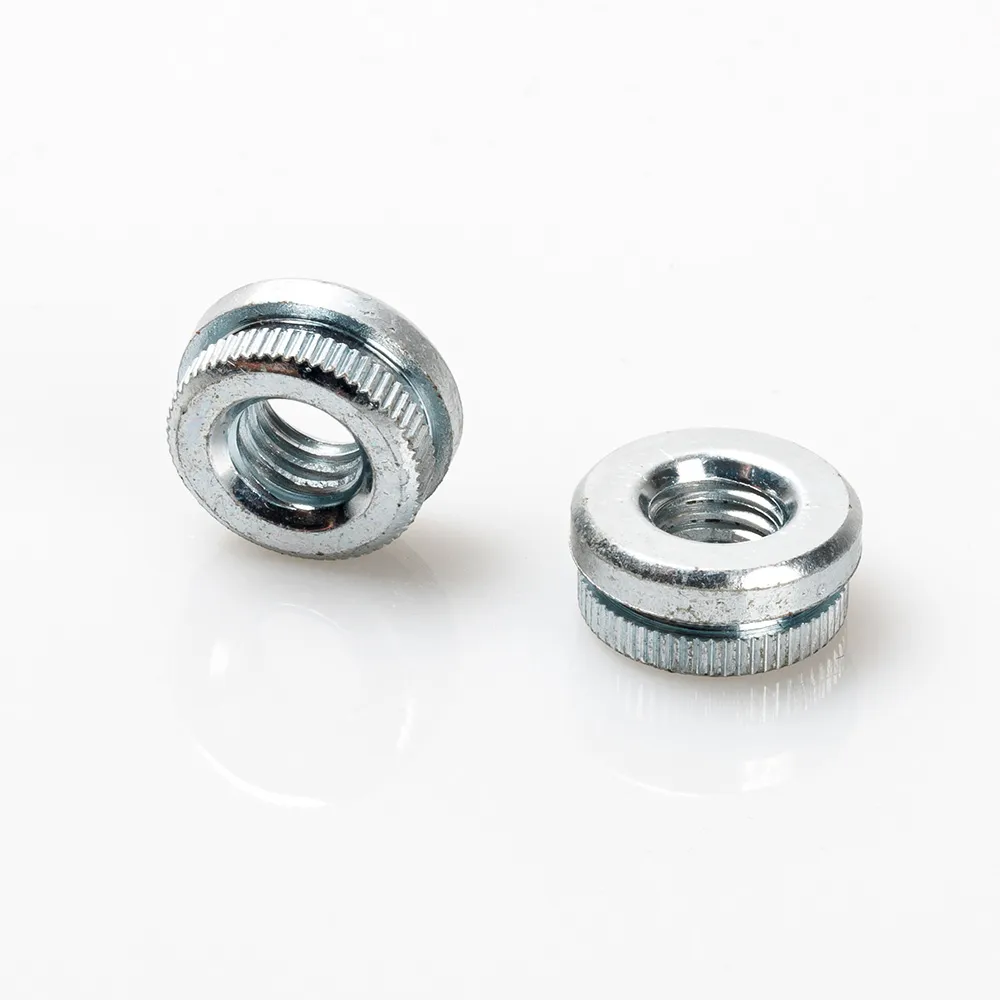
State the hidden-side status and name the person who can resolve a missing view. This prevents an open clearance issue from becoming an unrecorded supplier assumption.
Ask each supplier to cite the drawing revision, restate the step and seating condition, and show alternatives separately. Keep commercial assumptions beside the technical response. The related knurled insert boss-entry guide covers entry evidence rather than this height reference.
| Response item | Supplier response requested | Buyer action |
|---|---|---|
| Source used | Revision and referenced view | Stop if sources differ |
| Step reading | Seating reference understood | Check against register |
| Clearance note | Nearby feature and access condition | Escalate conflicts |
| Alternative | Changed feature and basis | Keep separate |
| Commercial scope | Quantity, packaging, timing | Compare aligned replies |
Keep clarifications with the revision; this is an inquiry aid, not a production release.
This workflow does not prove boss compatibility, retention, pull-out, torque, installation outcome, corrosion, certification, compliance, or suitability for a specific assembly. Final suitability requires product-specific evidence and an owner-defined validation plan.
Important: Pause the RFQ when the boss revision, step reference, clearance view, or acceptance owner is missing. Record observed dimensions with explicit units so a sample note cannot be mistaken for a released value. NIST SI units
Use the TNHO knurled inserts and nuts page to open a category discussion after the evidence record is ready. This page does not replace the drawing or promise a specific boss fit, performance, certification, or delivery.
For an inquiry, send the controlled step-height record through contact, including revision, seating note, clearance view, quantity range, and open questions.
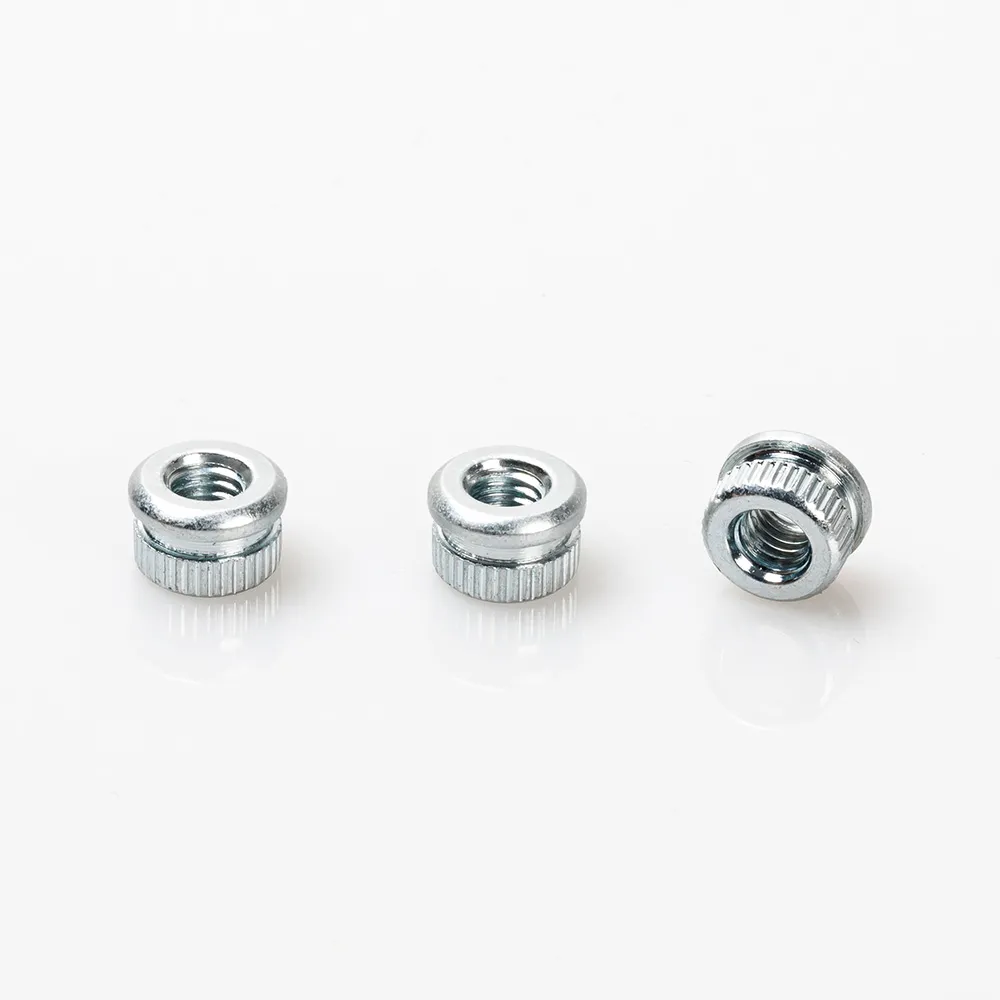
Include boss revision, step reference, seating condition, clearance view, quantity range, and acceptance owner.
No. A sample records an observation; the current drawing controls the released request.
Record the visible step, seating surface, surrounding clearance, access direction, and hidden-side status.
Require the changed feature and basis in a separate row, then route it to the named technical owner.
No. It does not establish compatibility, retention, pull-out, torque, installation, or compliance.
Use the TNHO insert route, then submit the controlled step-height record through contact.

 TNHO
TNHO 


