Knurled insert boss-entry RFQ inputs should describe the controlled plastic-boss interface before a supplier is asked to infer compatibility. Record the boss geometry, entry direction, seating condition, sample status, and owner of unresolved decisions.
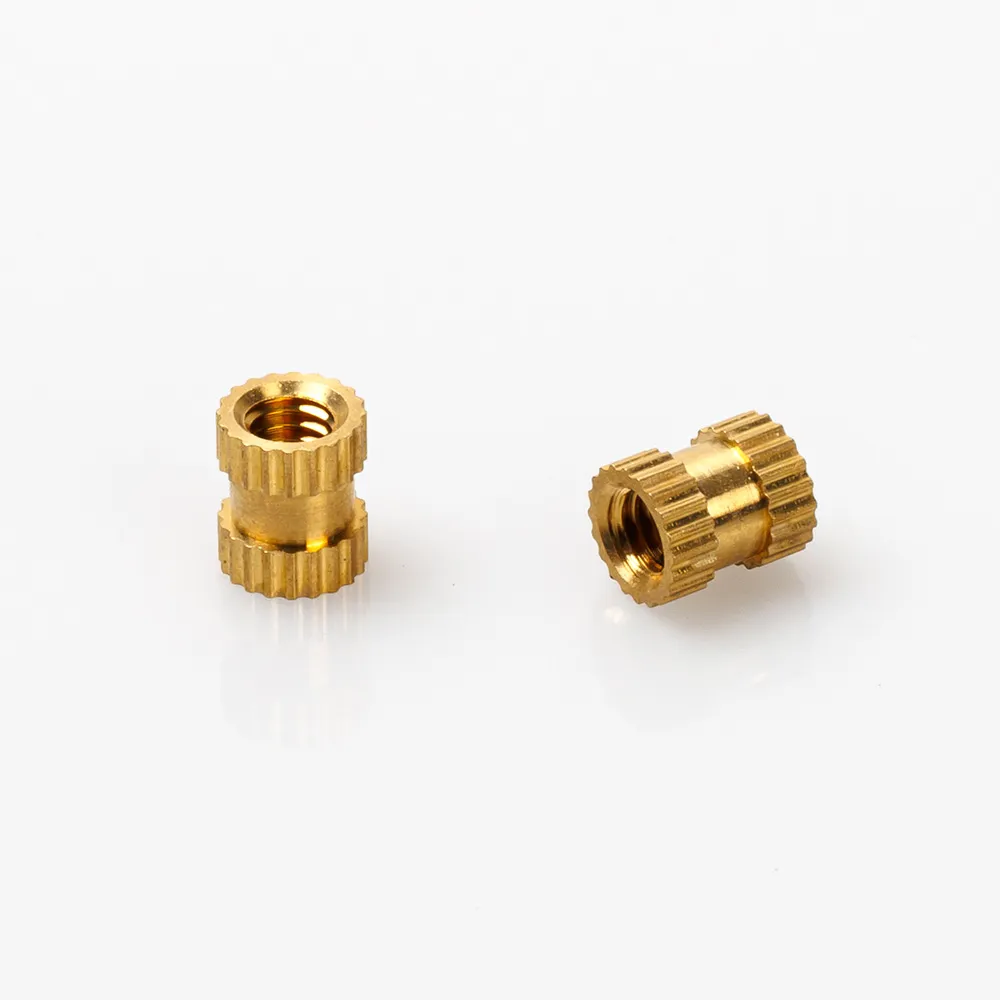
Start with the current boss drawing and the location in the assembly. Identify the entry direction, the intended seating condition, the surrounding wall or feature, and the revision that controls the request. A familiar insert silhouette can help locate a product family, but it does not define the next plastic interface.
Record the assembly identifier, boss callout, quantity range, and technical approval owner. If the request comes from a sample, label that sample as an observation until the assembly owner confirms how it relates to the active drawing.
Separate the boss geometry from the insert description. Send the same evidence register to each supplier so a response cannot silently assume a different entry direction or seating target.
| RFQ evidence field | What to send with quote | Review purpose |
|---|---|---|
| Boss drawing | Current view, revision, and location | Names the governing source |
| Entry direction | Assembly-side approach and access note | Keeps installation context explicit |
| Seating condition | Controlled note or open question | Prevents an inferred flush target |
| Surrounding geometry | Wall, rib, or obstruction view | Makes interface reviewable |
| Quantity and packaging | Quantity breaks and defined scope | Aligns commercial comparison |
| Acceptance owner | Named reviewer for alternatives | Separates quote from approval |
This table records evidence requirements; it does not establish a material, insert size, installation method, retention result, or compatibility conclusion.
A sample may show a visible knurl, flange, or threaded opening, but it cannot recreate the current boss wall or seating condition. Label each image with source, date, view direction, and drawing revision. Mark informal dimensions as observations instead of copying them into the RFQ as approved values.
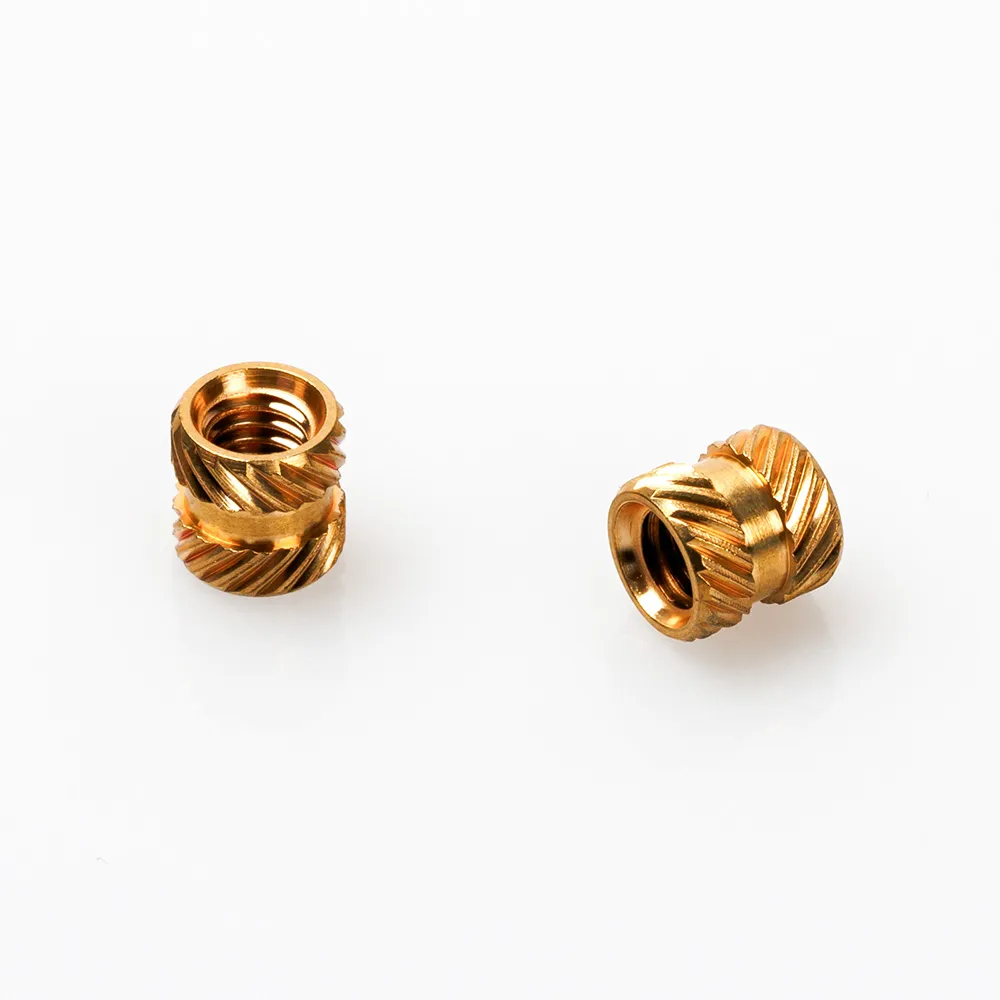
Before release, state the hidden-side status, entry tool or process if known, and the person who can resolve a missing view. Keeping those gaps visible prevents supplier assumptions from being mistaken for an approved interface.
Ask every supplier to identify the revision used, restate the boss and entry condition, and list alternatives in a separate field. Keep commercial assumptions beside the technical response so price comparisons share the same evidence basis. The related knurled insert boss sample checklist addresses sample documentation, while this article stays focused on entry evidence.
| Response item | Supplier response requested | Buyer review action |
|---|---|---|
| Source used | Drawing revision and referenced view | Stop comparison if sources differ |
| Boss reading | Geometry and entry condition understood | Check against the register |
| Open point | Missing wall, seating, or access detail | Route to the owner |
| Alternative | Changed feature and reason | Keep separate from the request |
| Commercial scope | Quantity, packaging, and timing assumptions | Compare aligned responses only |
Keep clarifications with the revision. This is a controlled inquiry aid, not a production release or a compatibility certificate.
This workflow does not prove plastic compatibility, retention, pull-out, torque, installation outcome, cycle life, corrosion, certification, compliance, or suitability for a specific boss. The assembly owner must select product evidence and validation criteria before any final compatibility conclusion.
Important: Pause the RFQ when the boss revision, entry direction, seating condition, or acceptance owner is missing. Record dimensions with explicit units and source status so an observation cannot be mistaken for a released value. NIST SI units
If a required view cannot be shared, record the restriction and identify the authority that must resolve it before supplier responses are compared.
TNHO publishes a knurled inserts and nuts route for navigation. It does not establish a specific boss fit, material pairing, retention result, performance, certification, or delivery commitment for this RFQ.
For an inquiry, send the controlled boss-entry register through the contact page. Include the revision, entry direction, seating note, surrounding geometry, quantity range, and unresolved questions.
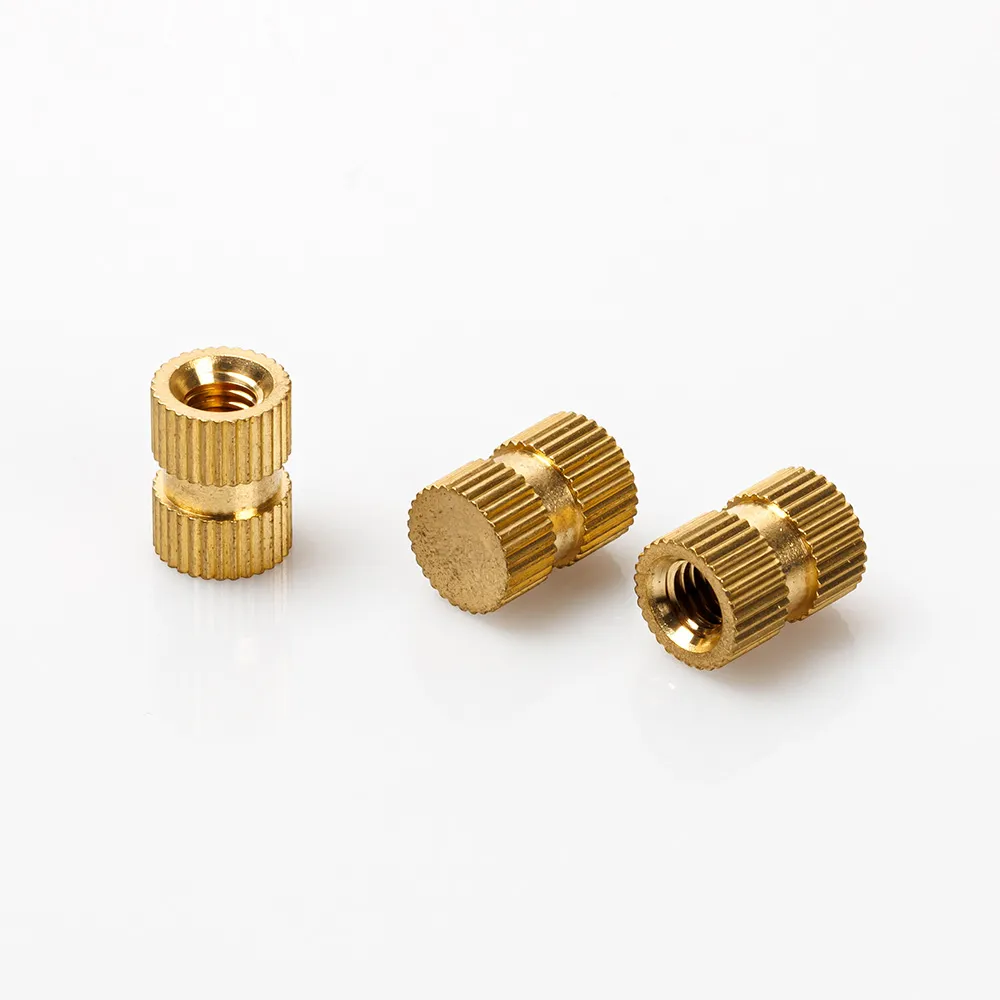
Include the current boss drawing revision, entry direction, seating condition, surrounding geometry, quantity range, and acceptance owner.
No. A sample documents an observation; the current drawing and assembly context define the released request.
Record the approach direction, seating target, wall or rib context, hidden-side status, quantity scope, and open questions.
Ask suppliers to state the changed feature and reason separately, then route the alternative to the named technical owner.
No. It does not establish compatibility, retention, pull-out, torque, installation, cycle life, corrosion, or compliance.
Use the TNHO knurled-insert route for navigation, then submit the controlled boss-entry register through the contact page.

 TNHO
TNHO 


