Special-structure nut hole-pattern RFQ inputs should identify how a visible pattern relates to the controlled assembly before a supplier interprets a photograph. Preserve revision, orientation, location reference, visible holes, quantity range, and approval owner.
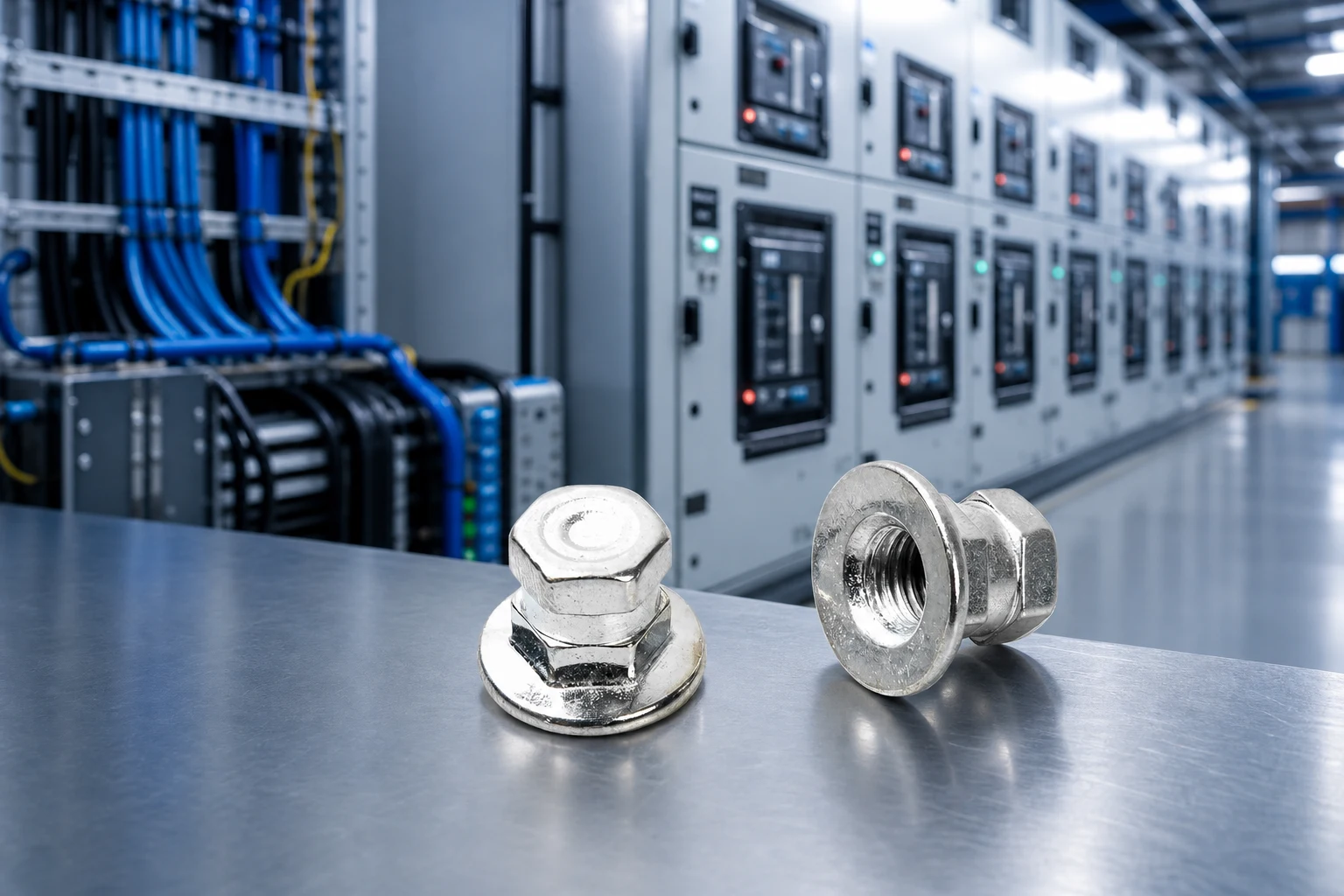
Start with the assembly view that shows hole positions and orientation. Name the revision, location, view direction, and technical owner. A product image does not define released geometry.
Keep pattern evidence separate from commercial scope.
| RFQ field | What to send with quote | Review purpose |
|---|---|---|
| Assembly drawing | Current view and revision | Governing source |
| Pattern orientation | Datum, direction, and view | Prevents reversal |
| Hole location | Assembly reference and visible order | Connects pattern to joint |
| Evidence status | Drawing, sample, or open point | Stops assumptions |
| Quantity scope | Quantity breaks and packaging | Aligns replies |
| Acceptance owner | Named reviewer | Separates quote from approval |
This table is an inquiry aid only; it does not evidence hole size, spacing, load, material, or fit.
A photo may show a pattern but not its active revision. Label source, date, direction, and drawing relationship. Treat measurements as observations until accepted by the technical owner.
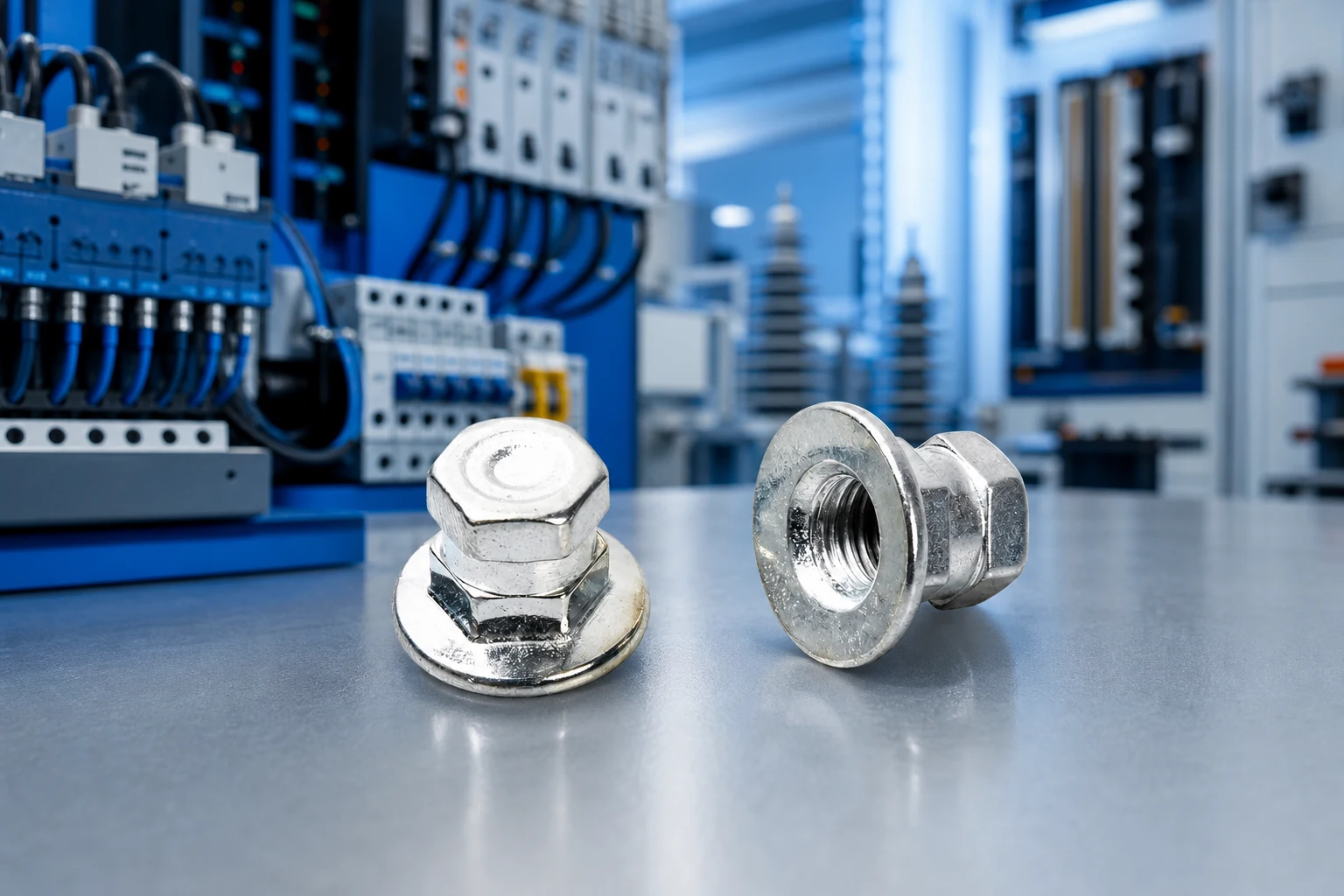
If a datum or opposite side is hidden, record the gap and request the missing view. The related blind rivet hole-pattern RFQ is a neighboring evidence workflow, not a geometry approval.
Require each respondent to cite the revision, restate orientation and location, and place alternatives in a separate field.
| Response item | Supplier response requested | Buyer action |
|---|---|---|
| Source used | Revision and referenced view | Stop if sources differ |
| Pattern reading | Orientation and location understood | Check record |
| Open point | Missing datum or dimension | Assign owner |
| Alternative | Changed feature and basis | Keep separate |
| Commercial scope | Quantity, packaging, timing | Compare aligned replies |
Keep clarifications with the controlled revision. Comparison does not authorize a production change.
This article does not establish hole size, spacing, load, torque, material behavior, corrosion, certification, compliance, or suitability for a particular assembly. Final acceptance needs product evidence and validation chosen by the assembly owner.
Important: Pause the RFQ if revision, orientation, location, or approval owner is missing. Write measurements with explicit units so a photo note cannot be mistaken for a released geometry. NIST SI units reference
Use the TNHO special-structure nut route after the pattern record is ready. It does not promise a configuration, fit, performance, certification, or delivery.
For an inquiry, send the pattern record through contact, including revision, orientation, location, quantity range, and unresolved items.
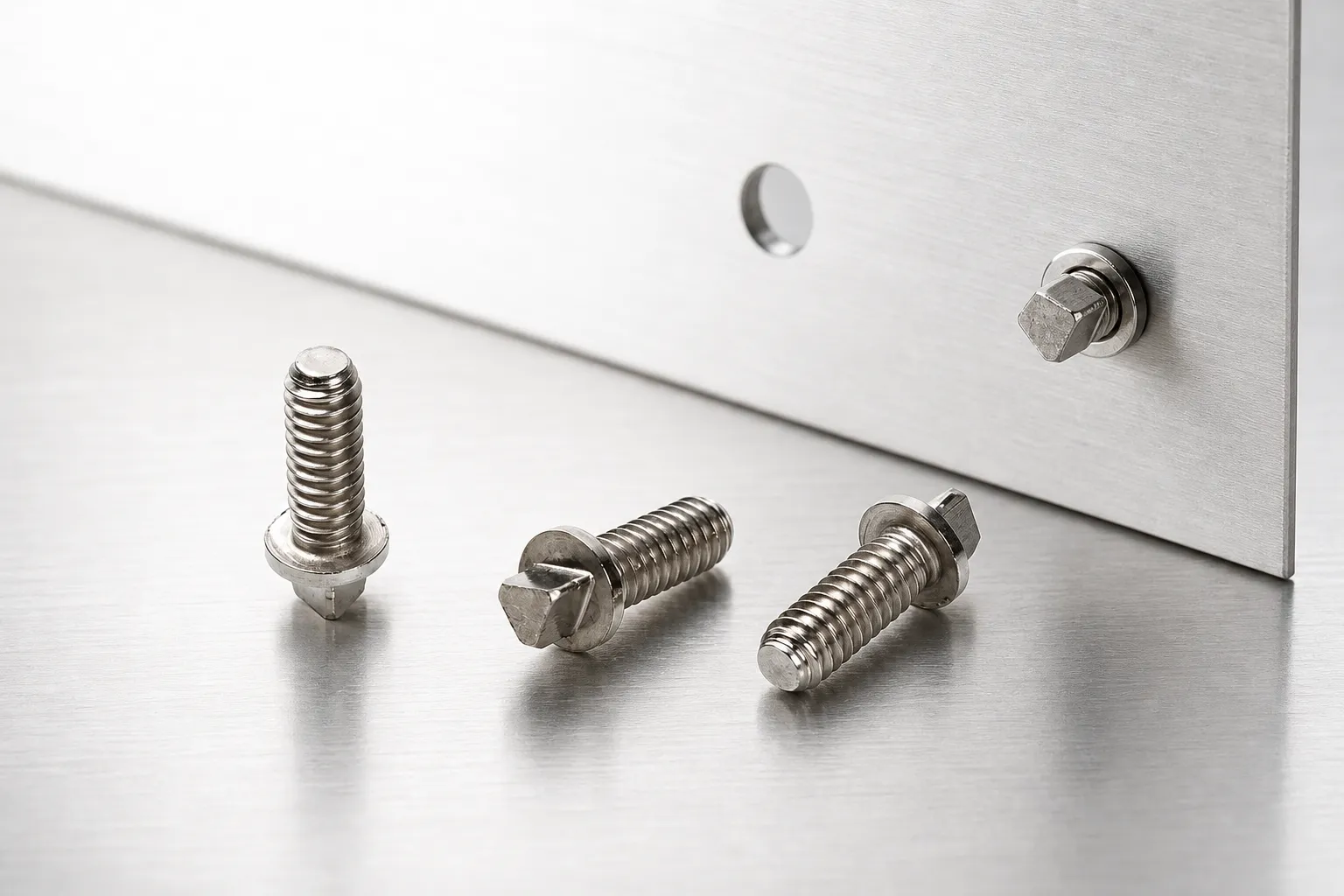
Include revision, orientation, datum, location, visible holes, evidence status, quantity range, and owner.
No. It records an observation; released geometry needs a controlled source and validation.
State datum, direction, view, location reference, hidden conditions, and open questions.
Mark them open, assign an owner, and keep any supplier alternative separate.
No. It is navigation and does not prove hole size, spacing, load, or compatibility.
Send the controlled pattern record with views, quantity range, owner, and unresolved items.

 TNHO
TNHO 


