Special-structure nuts require geometry RFQ inputs that describe outline features and mating faces, because a custom silhouette cannot be inferred from a hex-nut nickname.
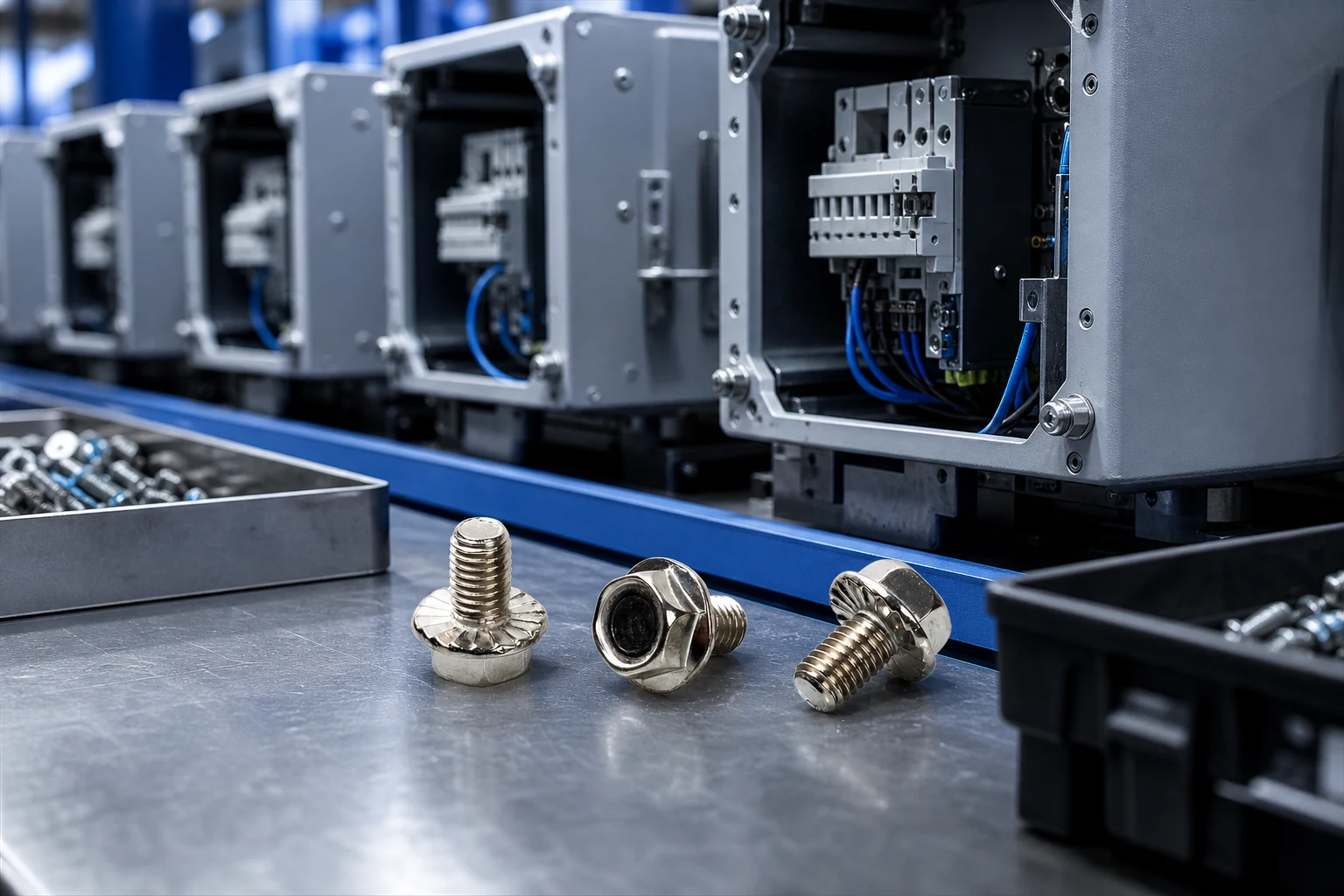
Identify the assembly revision that owns the special nut outline, the mating face or pocket, and the approval owner. A special-structure product page helps discovery; it does not define flanges, wings, or pockets missing from the drawing.
Separate confirmed geometry callouts from open tooling questions.
Capture outline features, mating faces, wrench or socket access, and stack neighbors.
| Geometry RFQ field | What to record | Send with quote |
|---|---|---|
| Assembly revision | Drawing controlling the special-structure nut | Yes |
| Outline feature | Wings, pockets, flats, or other non-hex features shown | Yes |
| Mating face / pocket | Seat or cavity the nut must engage | Yes |
| Tool access path | Wrench, socket, or finger access available | Yes |
| Neighbor stack | Parts that limit outline or rotation | Yes |
Do not invent strength, material grade, or corrosion claims for unanswered rows.

A sample can reveal whether an outline clears a pocket. Photograph feature orientation, mark it to the revision, and list unverified dimensions.
Escalate outline mismatches to the drawing owner before releasing a purchase text.
Share one revision package with geometry fields, quantities, destination, and open points. If outline details remain open, label them instead of allowing each quote to sketch a different custom shape.
Keep alternatives tied to the geometry question they answer.
Important: Do not release a purchase description for special structure nut geometry RFQ when the controlling drawing, interface, or approval owner is still open; keep misfit risk visible in the RFQ. — Source: ISO standards catalogue.
This RFQ guide does not prove load capacity, prevailing torque, vibration retention, corrosion performance, sealing, electrical suitability, certification, or lifecycle. Those outcomes need product-specific evidence and assembly-owner validation.
Fit Boundary: pause when outline features, mating faces, or approval ownership are unclear.
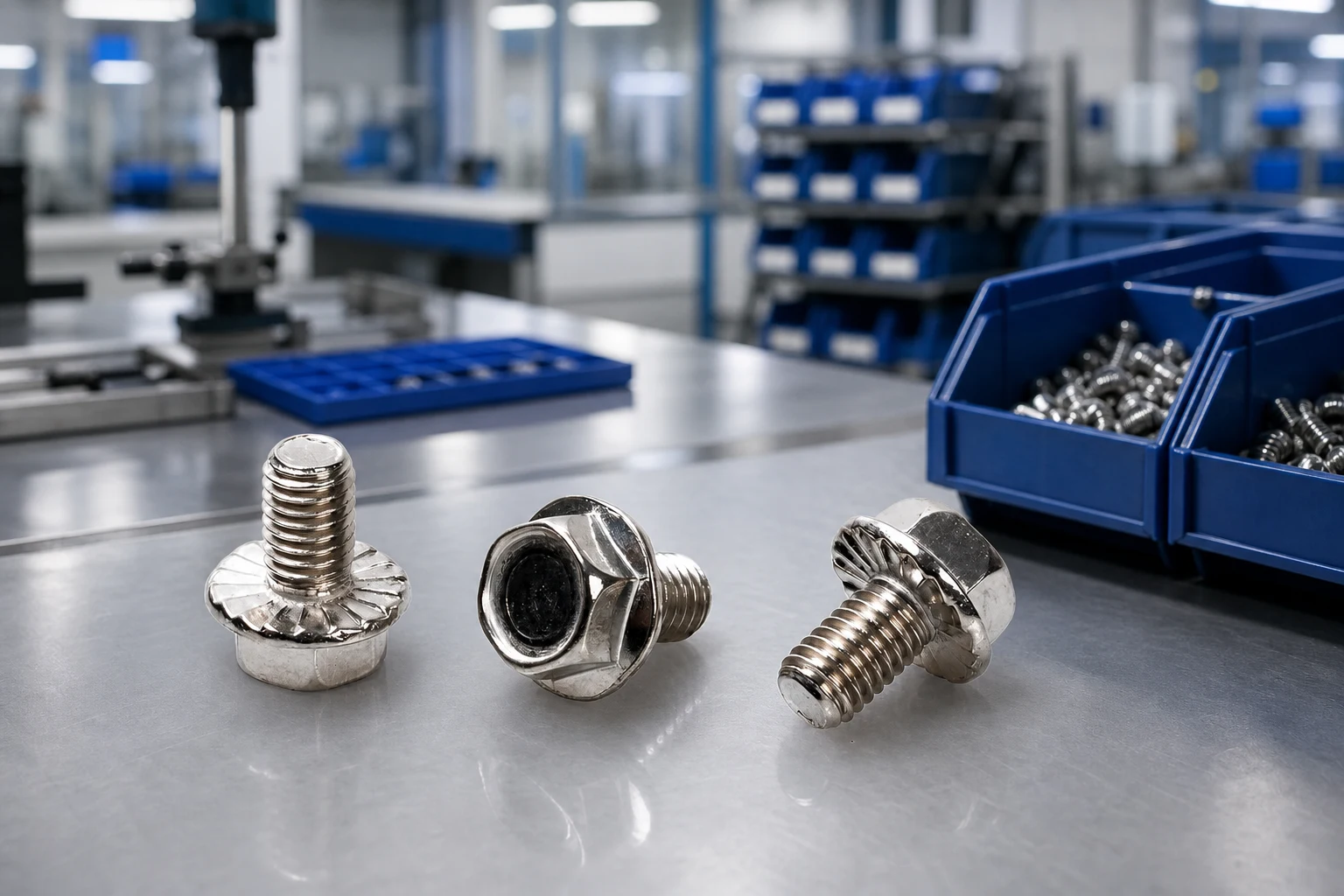
After geometry inputs are ready, use the TNHO special-structure nut product page. Navigation confirms a related special-structure nut destination; it does not create unlisted dimensions or lead times.
Send with quote / RFQ bullets:
– Assembly revision and outline feature notes
– Mating face/pocket and tool access
– Neighbor stack limits and open points
– Quantities and destination
Send the controlled drawing and RFQ inputs. For special-nut geometry navigation, open TNHO products then continue with Electrical Fasteners: Some Basic Information.
Record outline features, mating faces, tool access, and neighbor limits.
No. Special features must be called out on the controlled drawing.
One geometry package with quantities, destination, and open points.
No. Strength and compliance need project-specific evidence.
Pause when outline or mating-face ownership is unclear.
Use the verified special-structure nut route with the geometry package.

 TNHO
TNHO 


