Custom Bolt vs Custom Screw RFQ: What Changes in the Drawing Package is a package-structure comparison: what evidence changes when the controlled request is for a custom bolt versus a custom screw. It is not a general RFQ checklist and not a sample-comparison workflow.
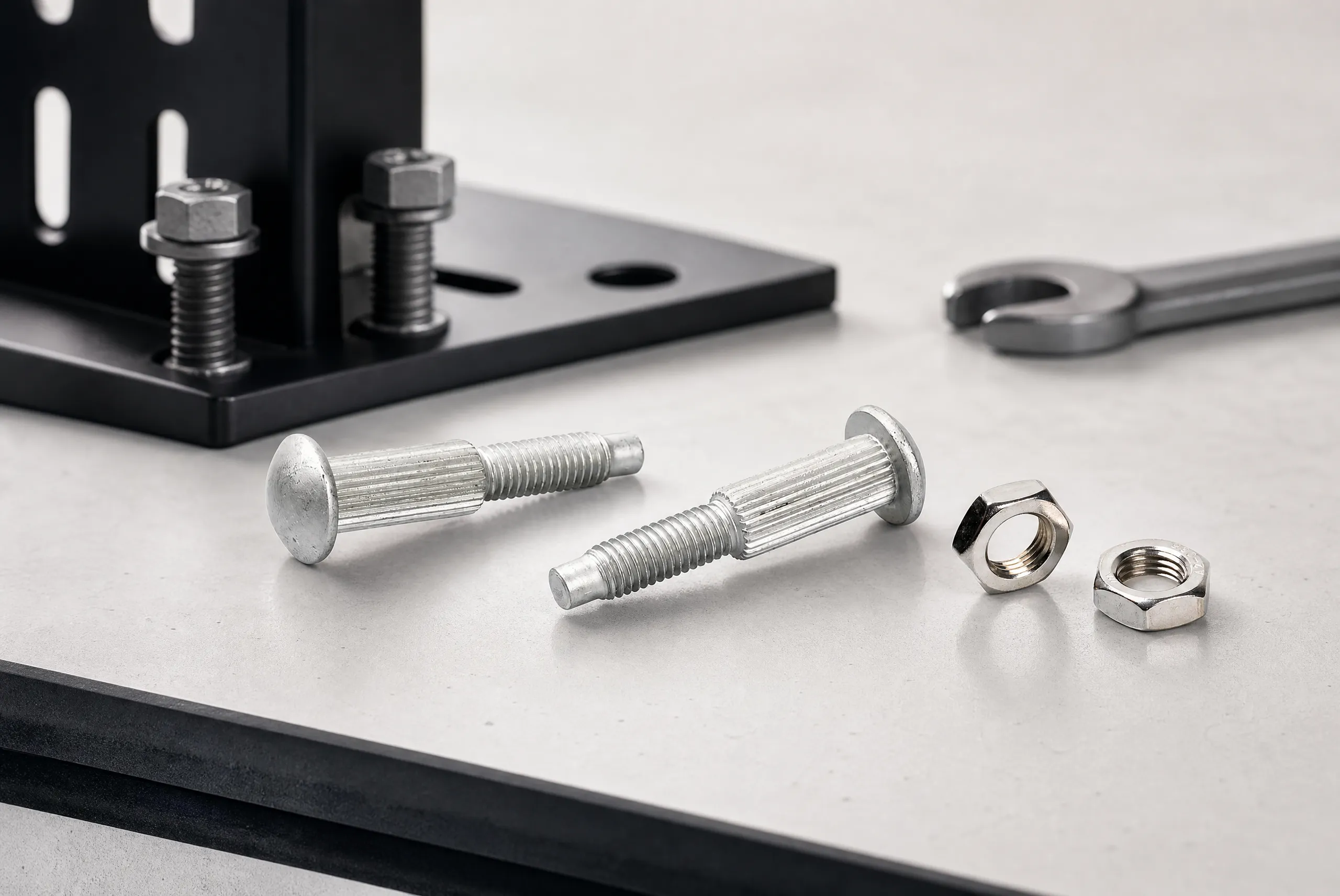
When procurement says “custom fastener,” suppliers often receive a mixed package that blurs bolt and screw assumptions. Start by naming the assembly function, the controlled revision, and whether the part is being requested as a bolt-class joint member or a screw-class joint member. That label is only a package organizer. It does not prove fit, strength, or compliance.
Record the joined components, the accessible side during installation, and the person who owns technical approval. If the team has not decided whether the drawing package should follow a bolt path or a screw path, stop and resolve that organizer first. Mixing both paths in one RFQ invites each supplier to fill different gaps.
A useful contrast focuses on drawing-package fields, not catalog names. Bolt packages usually need clearer nut-side or mating-hardware notes, grip or clamp-length context, and bearing-face or under-head conditions when those features control the joint. Screw packages usually need clearer drive and head-envelope notes, engagement into a tapped or formed receiving feature, and service-access assumptions when the same opening is reused later.
| Drawing-package field | Bolt-oriented package question | Screw-oriented package question |
|---|---|---|
| Head / bearing face | Which surface carries the bearing or seating condition? | Which head envelope and drive must clear nearby parts? |
| Shank / grip context | What stack thickness or grip range is controlled? | What unthreaded or transition length matters, if any? |
| Mating side | Is a nut, clinch feature, or other mating part part of the package? | What receiving thread or formed feature is shown? |
| Tool path | How is the bolt driven or held during assembly? | Which driver approach and access angle are assumed? |
| Acceptance owner | Who approves a bolt-side deviation? | Who approves a screw-side deviation? |
Leave unanswered rows open. Do not convert an open row into a product claim or a supplier assumption.
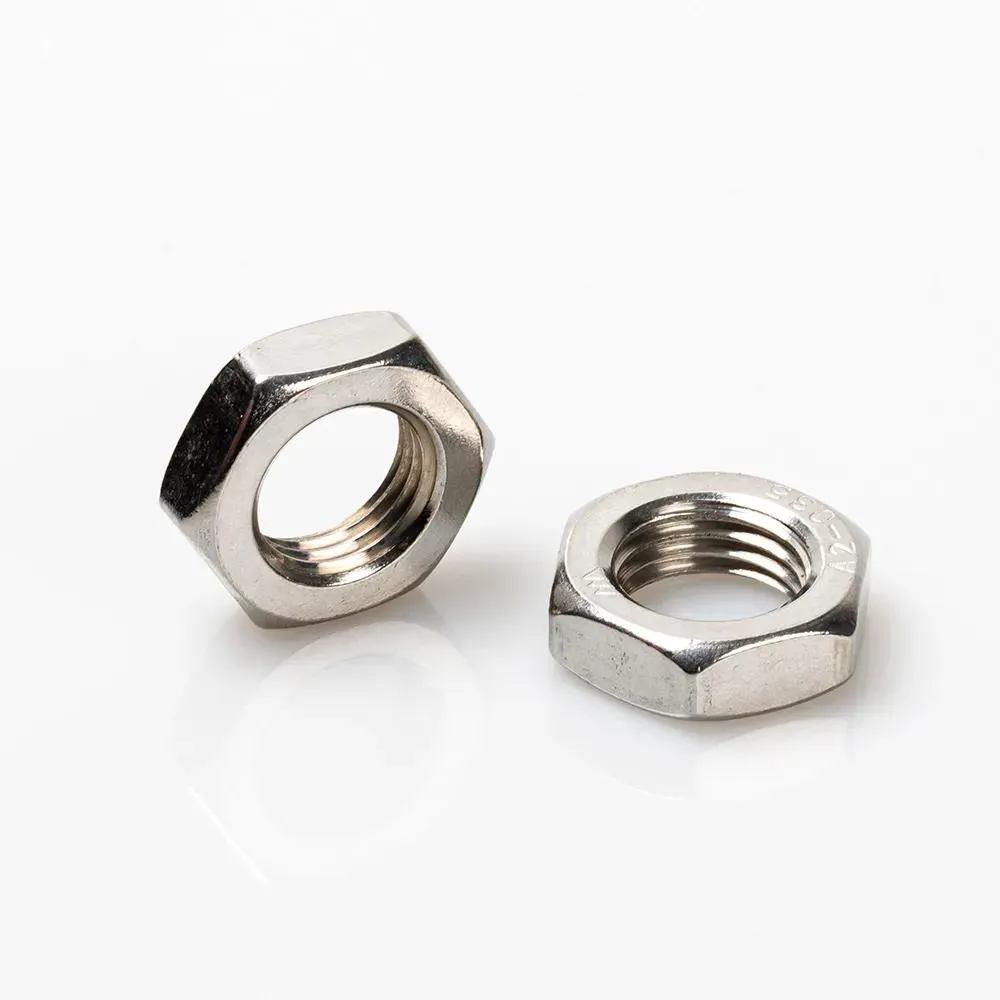
A photo of a prior bolt or screw can help people locate the discussion. It cannot decide whether the next package should follow a bolt path or a screw path. Label every image with source and revision context. If a prior part is measured informally, mark the measurement as an observation, not a released dimension.
When a sample exists, list the views inspected and the features that remain unknown. That record supports package assembly without turning the sample into an unreviewed production requirement. Package contrast belongs in the controlled drawing and RFQ fields, not in a folder of unlabeled photos.
Send every supplier the same package type for the same request. If the project needs both a bolt and a screw, issue two comparable packages instead of one ambiguous description. Include the current revision or allowed extract, quantity breaks, destination, defined packaging or inspection notes, and a technical contact.
Separate requested configuration from supplier-proposed alternatives. A bolt quotation that quietly assumes a different nut interface is not comparable to a screw quotation that assumes a different drive. Keep deviations labeled so engineering can decide whether the package itself must change.
Attach a short decision note to the RFQ: which package type was chosen, which fields remain open, and who can accept a cross-type alternative. This note is not a performance certificate. It only prevents a later purchase description from drifting away from the drawing package that was reviewed.
This article does not establish torque, clamp load, vibration resistance, sealing, corrosion behavior, electrical performance, safety, certification, lead time, or lifecycle outcomes for any bolt or screw configuration. Those outcomes need product-specific evidence and the validation plan owned by the assembly authority.
Pause when the package type, mating side, access path, or acceptance owner is unknown. A narrow, explicit package is more useful than a long RFQ that hides whether the request is bolt-oriented or screw-oriented.
After the package type and controlled inputs are ready, use the TNHO custom fastener service page as a navigation starting point for a custom-fastener discussion. The page confirms a custom-service route exists. It does not invent missing callouts or prove an unlisted property.
When ready, send the controlled drawing package and RFQ inputs with quantities, revision, bolt-versus-screw package type, and open questions. For broader navigation, see TNHO industrial fastener categories and Electrical Fasteners: Some Basic Information.
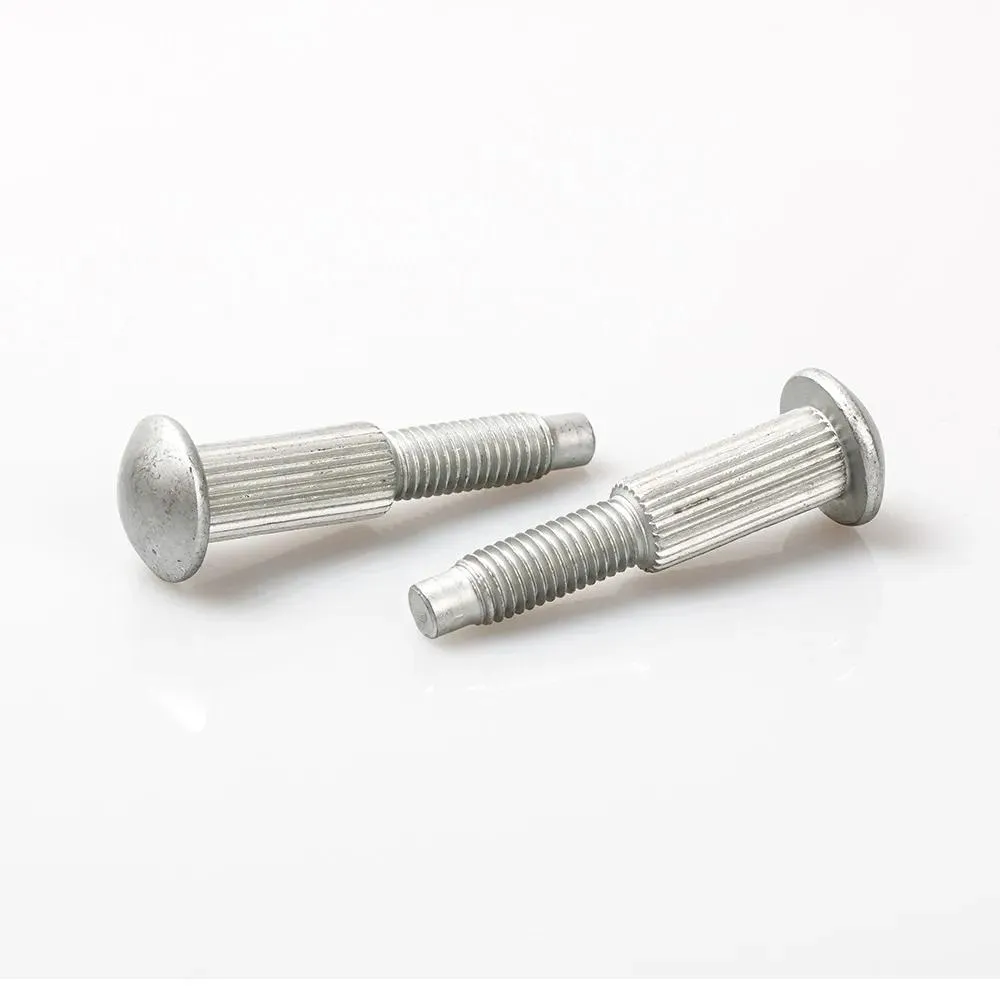
Decide whether the controlled request should be organized as a bolt-oriented package or a screw-oriented package, then list the fields that change.
A generic checklist lists common procurement fields. This review compares which drawing-package contents change between bolt and screw requests.
No. A sample can support observations, but the package type must follow the controlled drawing and approval owner.
The same package type, the same revision or allowed extract, quantity breaks, destination, and labeled open items.
No. Performance and compliance require product-specific evidence and assembly validation.
Use the service route in Part 6 together with the controlled bolt or screw package and open questions.

 TNHO
TNHO 


